
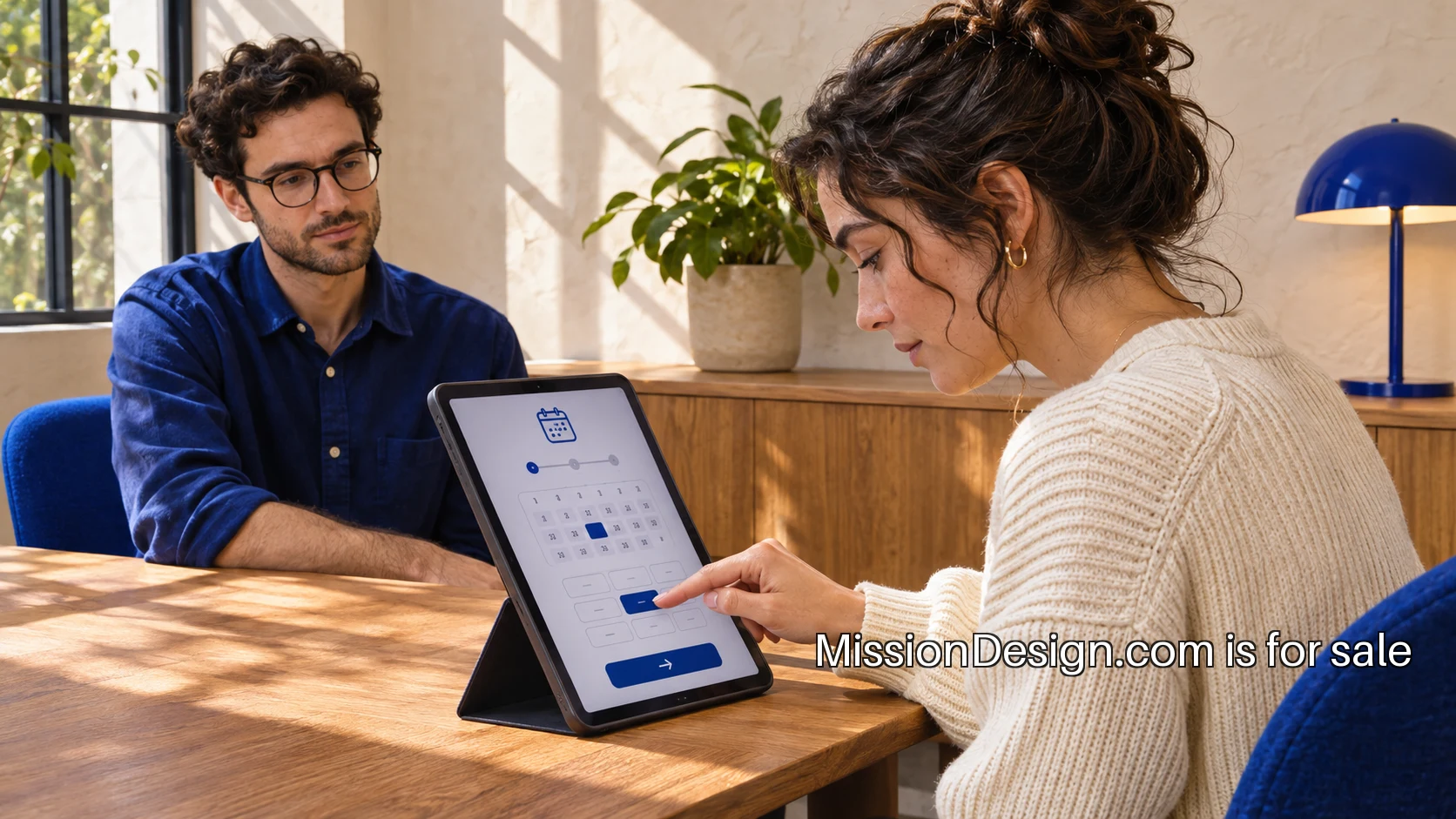
Decide what you need to learn
A prototype test is most useful when it answers a question that could change the design. Before making screens or recruiting participants, write down the uncertainty. Can someone choose the right appointment type? Do they understand what happens after submitting a request? Can they recover from entering the wrong detail? These are different questions and may need different prototypes.
Imagine a community service introducing an online appointment request. The team has a proposed form, but staff worry that people will select the wrong type of appointment. A test can explore how participants interpret the choices and which information they need. It does not need a complete booking system with every administrative feature. It needs enough of the journey for those decisions to feel real.
Build only what the question requires
Choose the simplest format that supports the task. A linked set of screens may be enough for navigation and content. A role-play can explore a conversation between a visitor and a staff member. A physical model may be better for an object someone needs to handle. The format should allow the relevant behavior, rather than demonstrate the team's ability to produce a polished mockup.
Include believable content. Appointment names, descriptions and confirmation messages should be close to what the service would use. Placeholder text removes the very choices the team wants to test. At the same time, use invented personal details and clearly separate the prototype from any live service, so participants do not accidentally make a real request or disclose information the study does not need.
Write tasks without giving directions
A task describes a goal and a situation. 'You want advice about a repair and are available on Tuesday afternoon. Find an appropriate appointment' gives the participant something to accomplish. 'Click Repair Advice, then choose Tuesday' gives away the route. The first reveals how someone understands the design; the second mainly checks whether the controls respond.
The GOV.UK guide to moderated usability testing is a practical reference for this distinction. Keep the task relevant to likely users, avoid hints and observe the attempt. In the session, resist rescuing someone at the first hesitation. That pause may be the evidence the team needs to improve the wording.
Recruit for the situations that matter
Participants should have a plausible reason to use the service. Colleagues who already understand the project can be useful for rehearsing the session, but they may fill gaps that a new visitor cannot. Identify the experiences and access needs the service must support, then recruit deliberately around them. Record who took part and where the sample remains limited.
Plan the practical details before invitations go out. Ask about access requirements, explain the session format and make clear what will be recorded. Allow time for questions. A participant should know they are helping test a design, not taking an exam. The facilitator can say that any difficulty is useful information about the prototype, which makes it easier for people to describe confusion honestly.
Rehearse the session once
Run through the script with someone who is not a participant. Check that links work, the task has enough context and the prototype starts in the right place. Make sure an observer can take notes without interrupting. If the session is remote, check audio, screen sharing and any assistive technology arrangements. A short rehearsal often catches mechanical problems that would otherwise consume valuable research time.
Decide how to handle a broken link or an unfinished part of the prototype. You may need a neutral explanation or a reset point. Keep that intervention separate from help with the task itself. Note when an issue comes from prototype limitations so it does not become a misleading finding about the proposed service.
Observe behavior, then ask about it
During the task, record what happened before interpreting why. Write that a participant returned to the appointment list twice, or paused at a particular term. After the attempt, ask what they expected at that point. A note saying 'confused user' is much less useful than a sequence of actions and the participant's explanation in their own words.
Avoid turning the session into a preference survey. Someone may say a page looks good while being unable to complete the task. Another person may dislike a color but understand the service perfectly. Both comments can be recorded, but the research question determines their weight. The team needs to know which observations affect the decision it is trying to make.
Include accessibility from the start
Accessibility cannot be added to the learning plan after the design is fixed. Consider the interaction methods and information formats people will use, and choose a prototype that can support meaningful evaluation. A purely visual click-through may reveal little about screen-reader navigation. Be clear about what the prototype can and cannot test, then arrange the appropriate technical checks and user involvement.
The W3C guidance on involving disabled users stresses combining user evaluation with standards-based work. For a small trial, that means taking a participant's experience seriously while avoiding broad claims from one session. A specific barrier is actionable evidence even when the study is not a complete accessibility assessment.
Turn observations into changes
After the sessions, group notes by the task or decision they affect. Separate direct observations, participant explanations and the team's proposed response. If several people misunderstand an appointment label, the next step may be revised language and another small trial. If they understand the label but cannot find a suitable time, the issue may belong to service operations rather than the interface.
Prioritize changes by their effect on task completion and the confidence of the evidence. Keep a short record of what changed, why and what still needs investigation. Do not hide contradictory observations to make the result look tidy. Two participants choosing different routes may reveal an ambiguity worth exploring, even if both eventually reach the same page.
Make a decision before adding polish
End the round by deciding whether to revise, investigate further or proceed with a defined part of the build. A prototype test has done its job when it changes the team's understanding and supports a better choice. The result may be a simpler form, a clearer explanation or a decision to solve a different part of the service first.
For a practice building under MissionDesign.com, this habit can make the portfolio more informative. A case study can show a question, a trial and the resulting design decision. That gives the work substance beyond its final appearance and creates a clear account of the care that went into it.